Features
A structured AI workflow for accurate, editable presentations
CreatePPTX does not jump straight from a prompt to finished slides. It uses a designed plan-then-generate pipeline so the model can lock onto the content core, build a coherent narrative, and render an engaging deck as a structured presentation tree (AST) you can still revise and export.
Start generatingSample slides

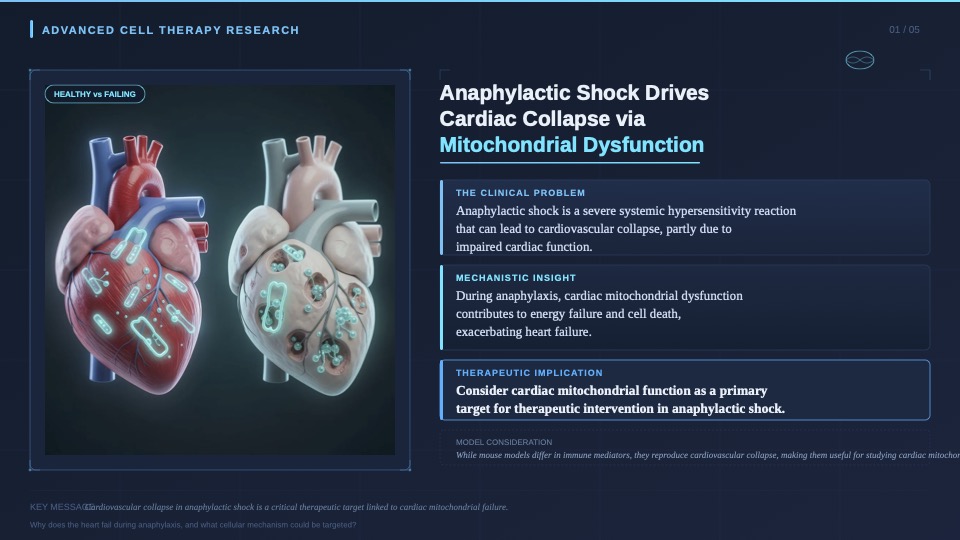

Plan first: capture intent and the content core
Whether you start from a topic or upload PDF, DOCX, PPTX, and other references, CreatePPTX first infers presentation intent — audience, communication goal, and desired action — without making you fill a long form.
For document-heavy inputs, source materials are sampled and reduced into a traceable research brief so key facts stay grounded before any slide is drawn. That keeps the AI focused on what the deck must actually say.
- Topic mode for greenfield decks
- Source synthesis when attachments are present
- Intent strategy inferred from your goal, not a rigid questionnaire
Global architecture, then a unified page plan
Instead of inventing pages one by one in isolation, CreatePPTX builds a deck architecture first: overall narrative, chapter roles, and an exact page budget.
It then expands a full unified page plan — each page’s role, core message, objective, and visual intent — so the story has consistent pacing before rendering begins.
- Deck-level narrative and section responsibilities
- Page-by-page goals you can review and edit
- Chat or manual edits to revise structure before commit
Generate as a structured presentation AST
Confirmed plans are expanded into structured slide specifications and rendered locally as editable slides (preset SlideSpec layouts or freeform SVG). Treating the deck as a presentation AST — not a bag of screenshots — makes later editing, export, and reuse far more reliable.
The result is meant to feel presentation-ready: clearer hierarchy, purposeful visuals, and pages that still behave like real slides.
Revise existing PPTX or PDF decks
Already have a deck? Upload an existing PPTX or PDF, add revision notes, and rebuild architecture and page plans around what should stay, change, or be cut — instead of rewriting everything from a blank prompt.
Edit online, export real PPTX / PDF, present and share
After rendering, continue in the workbench: preview, adjust, export PDF or PPTX for desktop tools, present online, or share a short preview link with collaborators. Share pages are for link-based viewing and are not indexed for search.